Your music files stay private
Drop an MP3, WAV, FLAC, OGG, or AAC file onto the visualizer. Playback and DSP frequency analysis happen directly in your browser using the Web Audio API. Your selected music files are never sent to a cloud server.
Online Music Visualizer
PulseKani is a live audio-reactive music visualizer that transforms your sound into moving light, spectral landscapes, and fluid particle simulations right in your browser. No account, no cloud upload, no waiting.
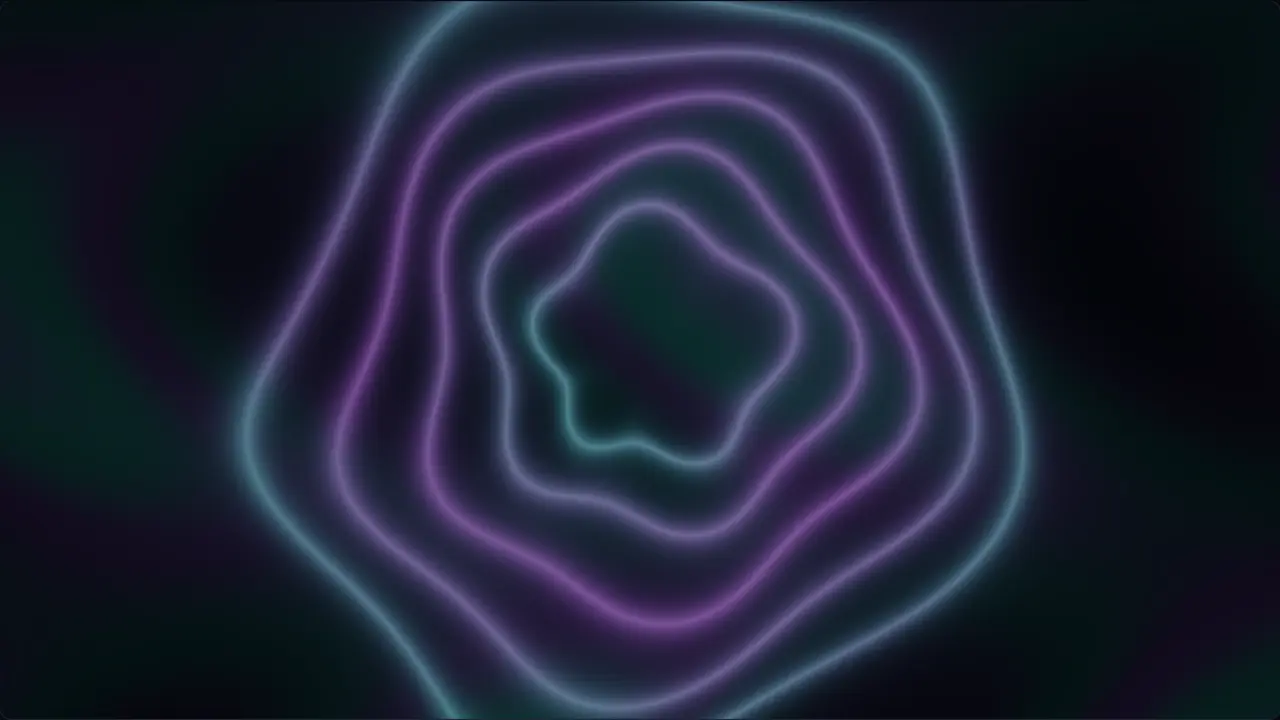
Unlike video renderers or template-based clip makers that require lengthy exports, PulseKani is a live instrument. Sound happening now becomes motion now. Whether you are listening with headphones, performing at a live venue, projecting onto a wall, or streaming to an audience, visuals render in real time at 60 frames per second using native WebGL2.
Drop an MP3, WAV, FLAC, OGG, or AAC file onto the visualizer. Playback and DSP frequency analysis happen directly in your browser using the Web Audio API. Your selected music files are never sent to a cloud server.
Press F for immersive borderless fullscreen on any monitor, TV, or projector. Or open a dedicated Clean Output window that isolates the visuals from controls for clean recording and multi-monitor setups.
Connect more than one sound source at once. Run a backing track from a file while singing through a live microphone. Scenes like Collision and Source Constellation animate the distinct signals independently.
Record your live performance session locally as an audiovisual WebM or high-fidelity WAV file. Recording captures the exact live interaction without converting the instrument into an editing studio.
Click Visualize my music and select an audio file from your device, or drag and drop it onto the visualizer stage.
Select from 24 original scenes—from classic Spectrum Bars and Oscilloscopes to deep 3D Particle Nebulas and Neon Horizons. Adjust intensity and parameters to fit the genre.
Hit Fullscreen for a room-filling visual experience, or open Clean Output to feed a live stream or projector.
Yes. PulseKani is completely free with no subscription, account creation, or paywall. All 24 visual scenes and performance capture features run locally in your browser.
No. PulseKani processes all audio strictly on your local machine using client-side Web Audio DSP. Your files are decoded in browser memory and never uploaded to any remote server.
PulseKani has no direct Spotify or YouTube account integration and does not extract protected media. However, you can visualize audio playing in a browser tab using our browser audio sharing feature when your browser permits tab audio sharing.
Any audio format supported by your web browser, including MP3, WAV, FLAC, OGG, Opus, AAC, and M4A. You can also connect live microphones, audio interfaces, and internet radio streams.
Yes. You can record your live session directly within the tool. It captures both audio and visuals locally to a WebM video file, ready to save immediately without cloud rendering delays.